


.jpg)
.jpg)
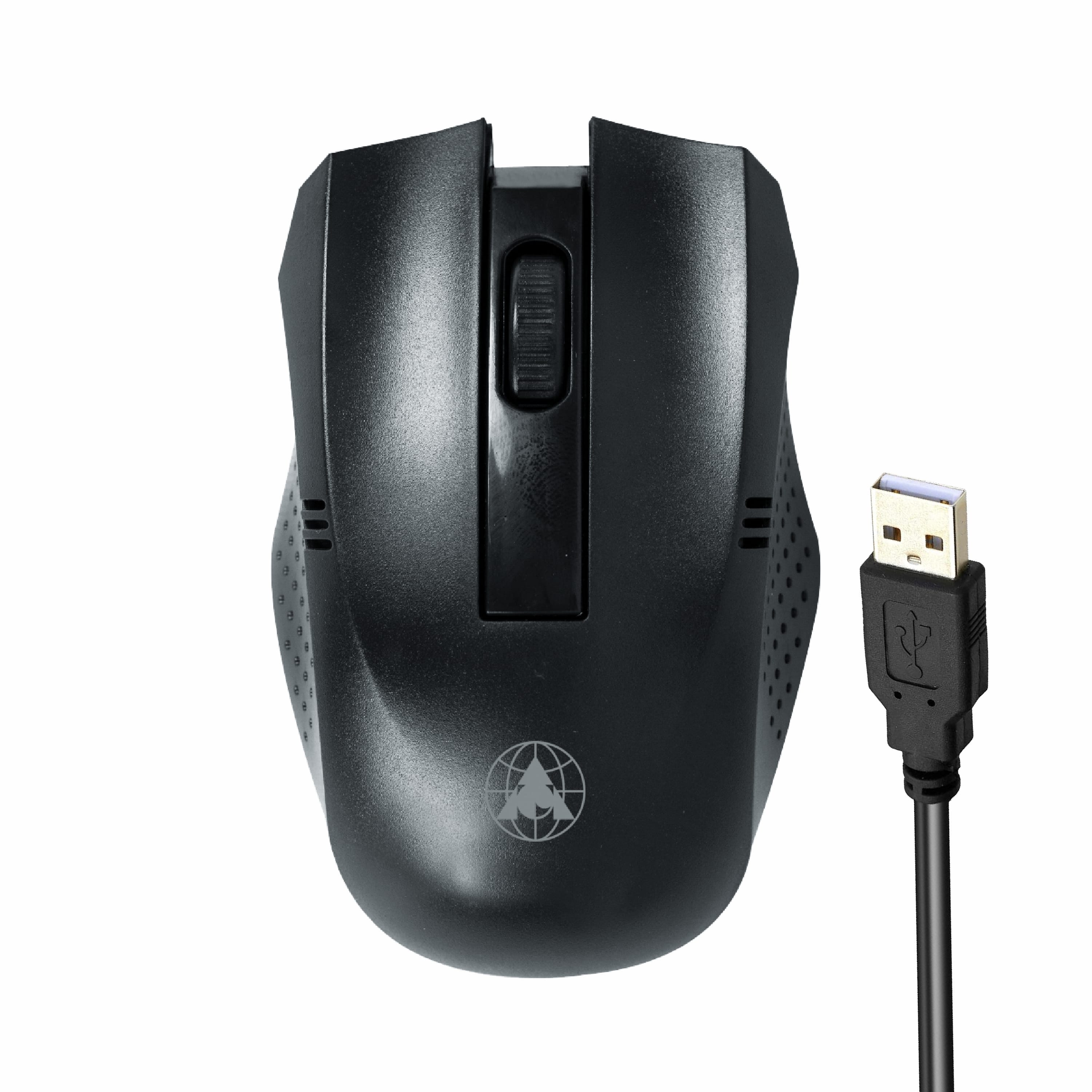
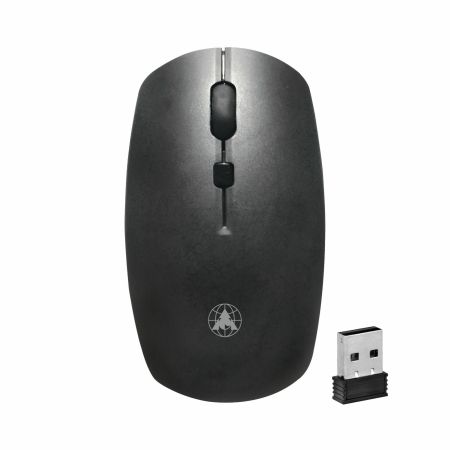
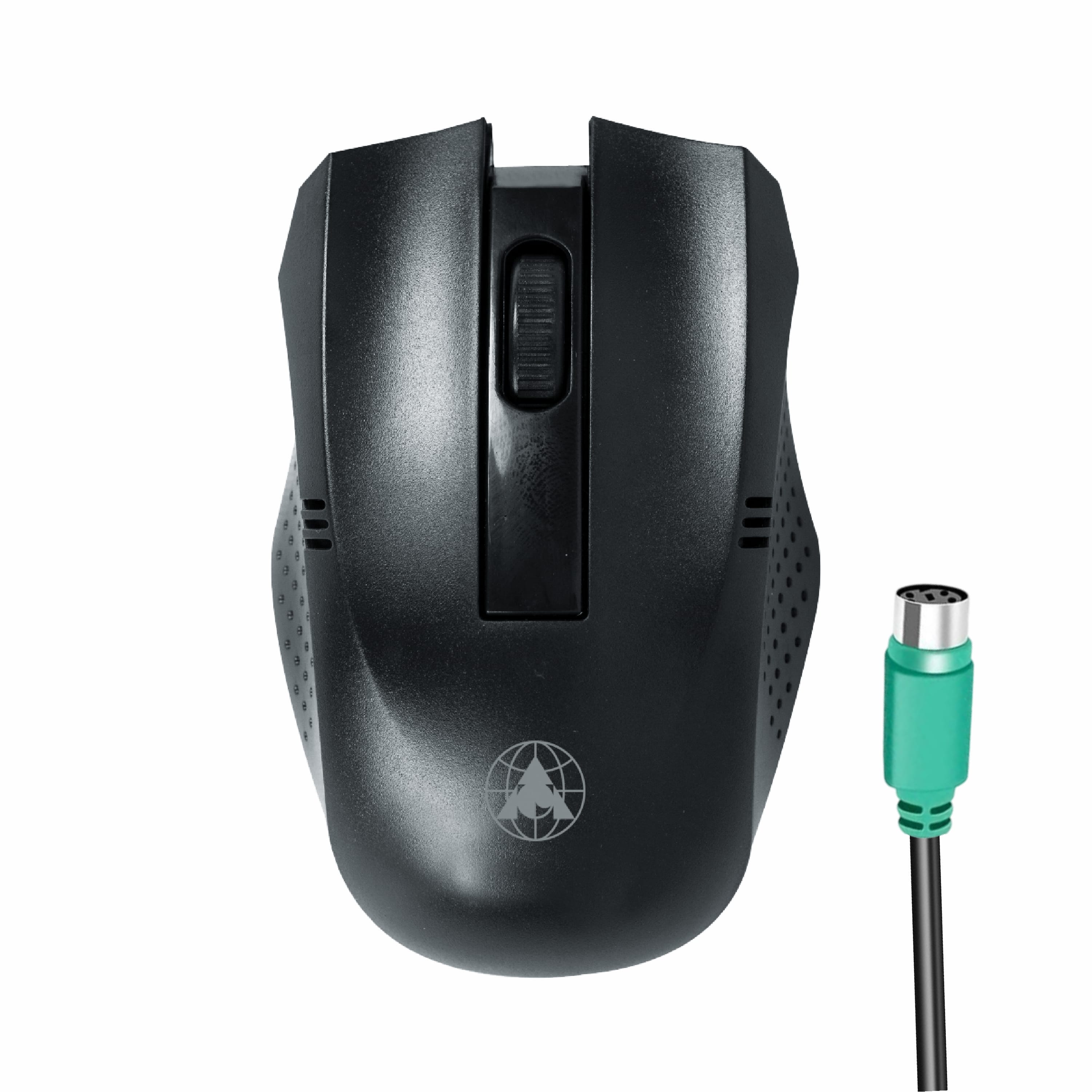
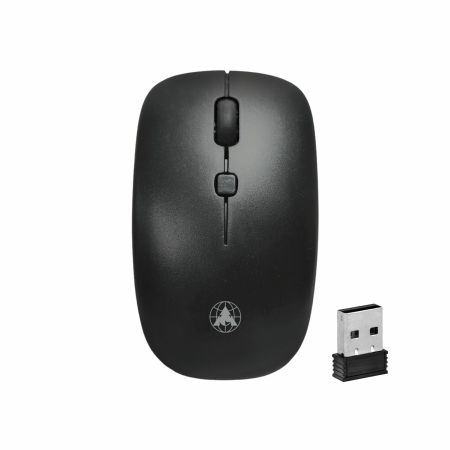
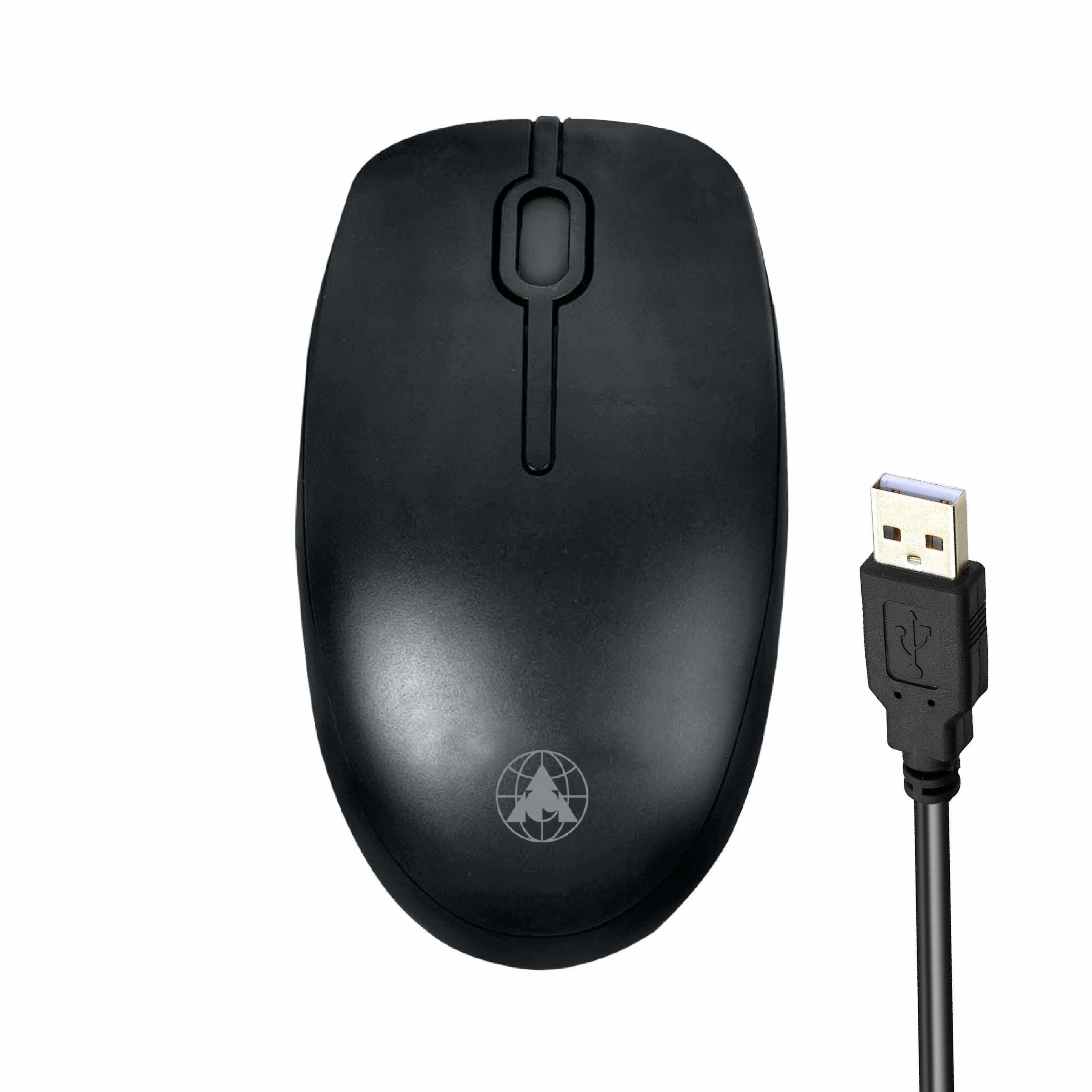
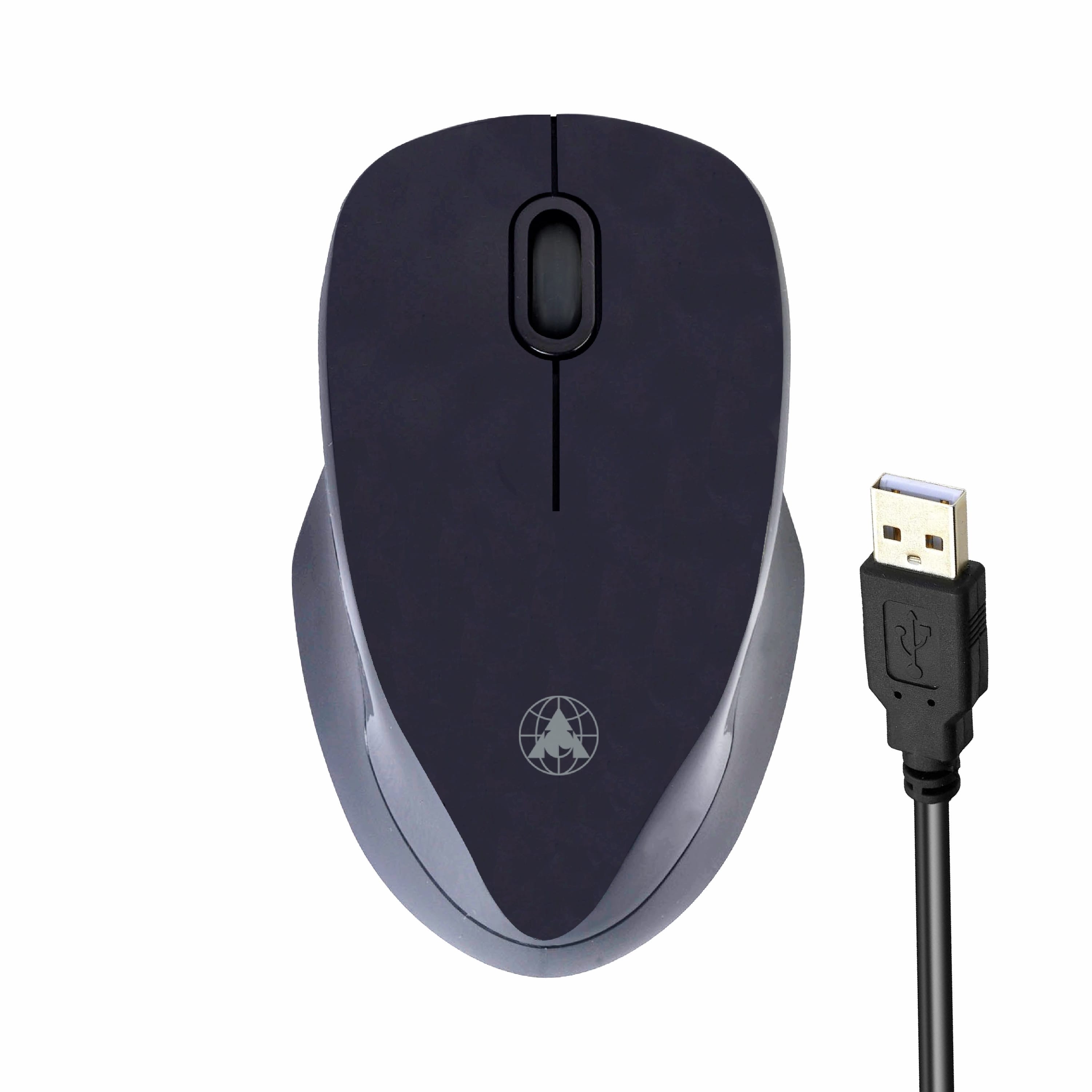
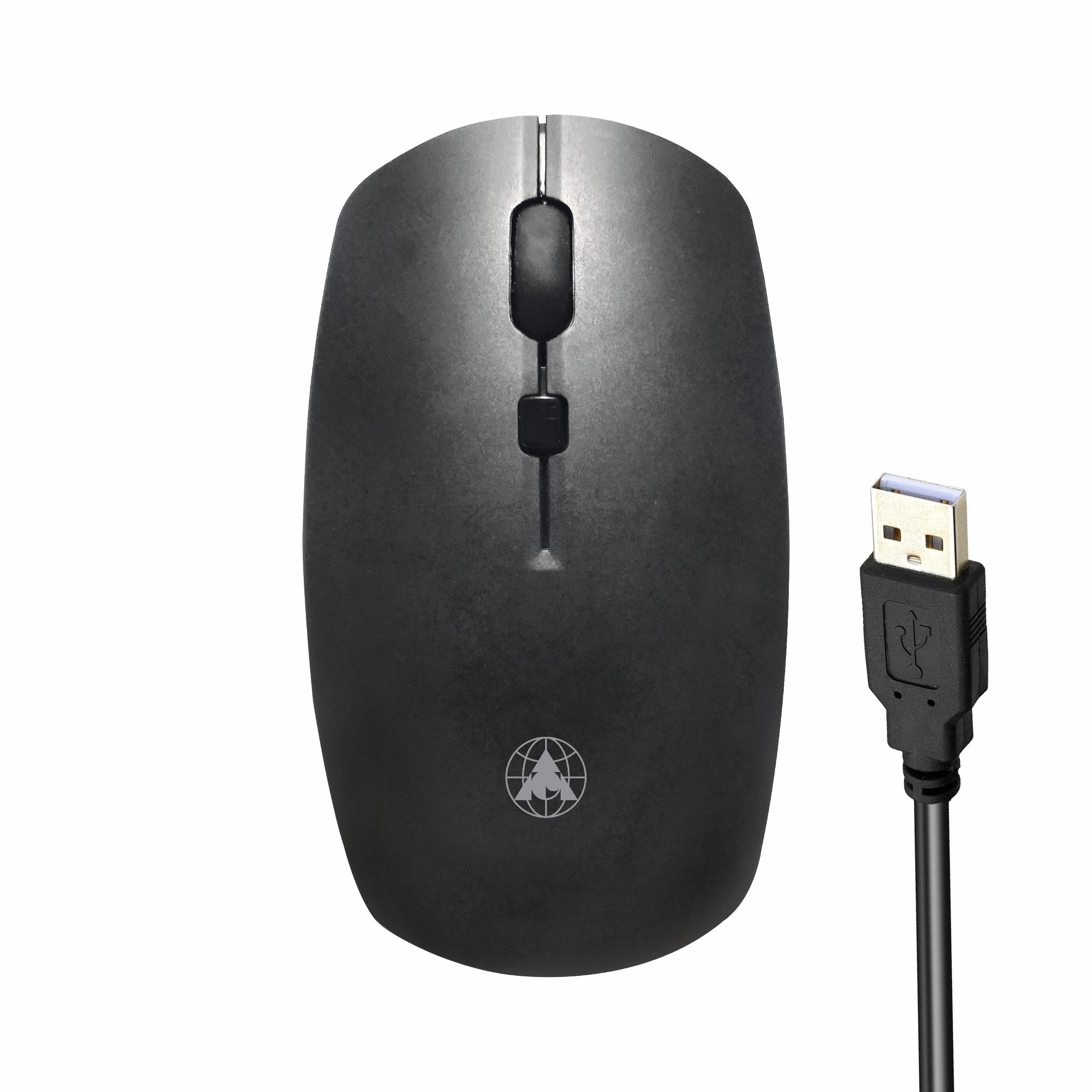
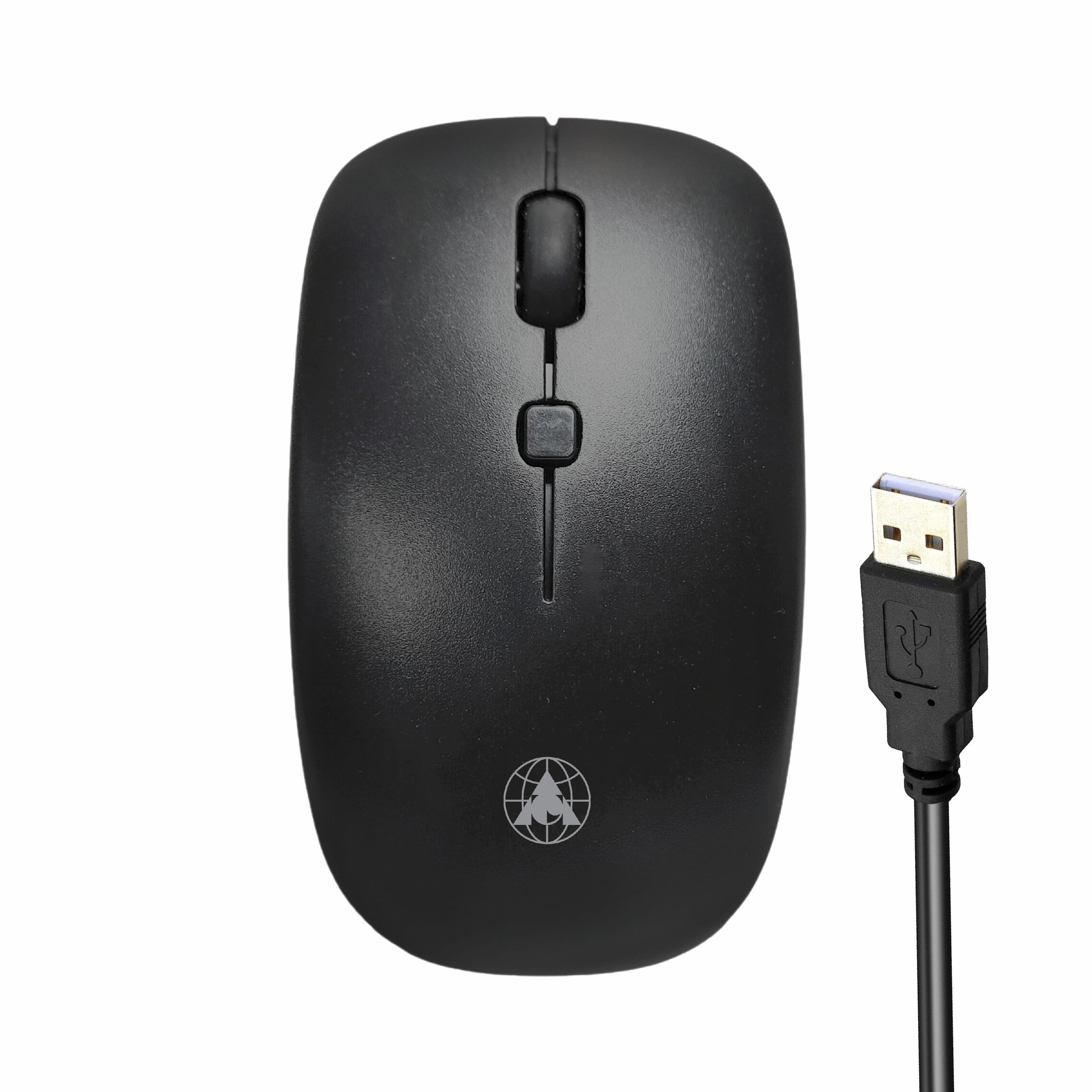
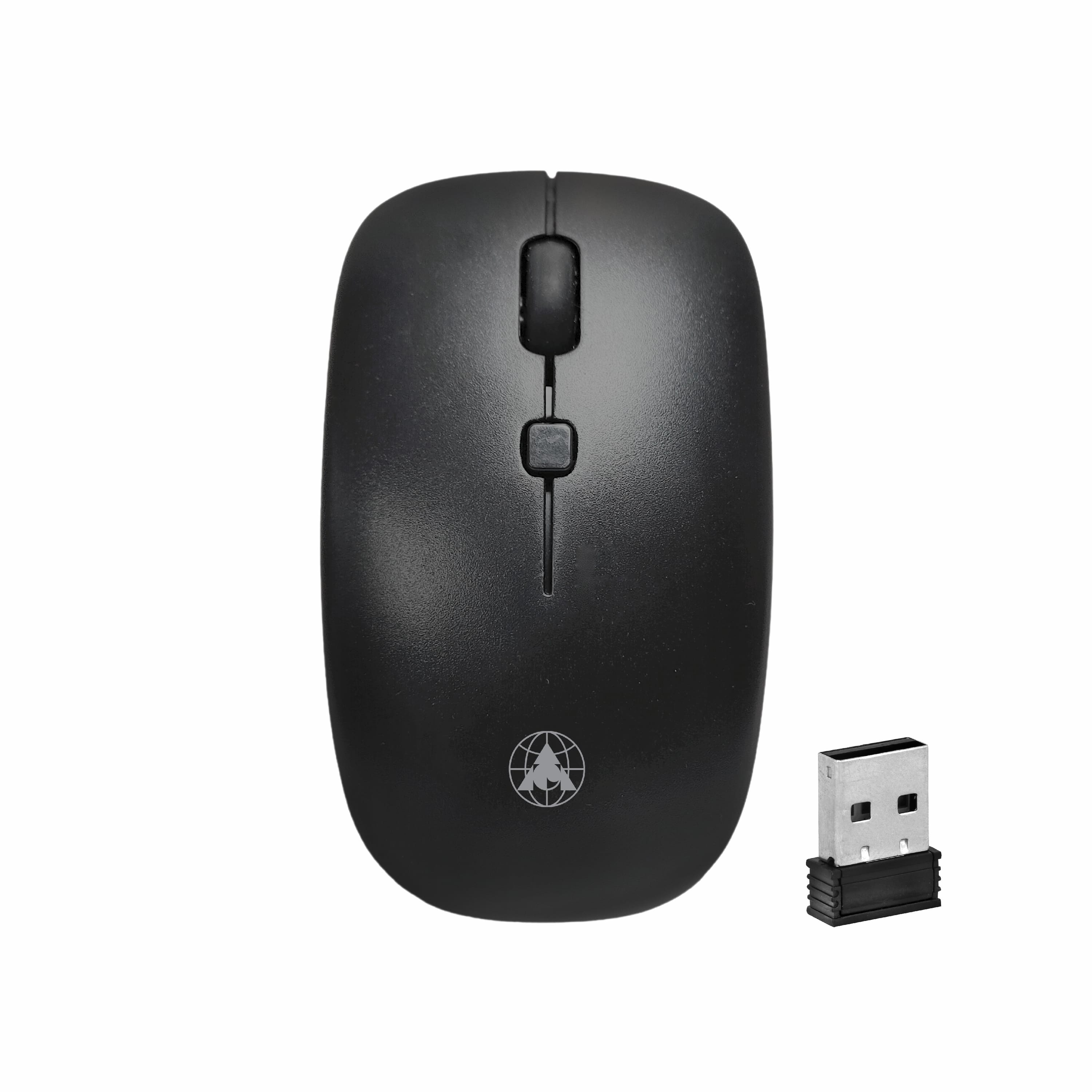
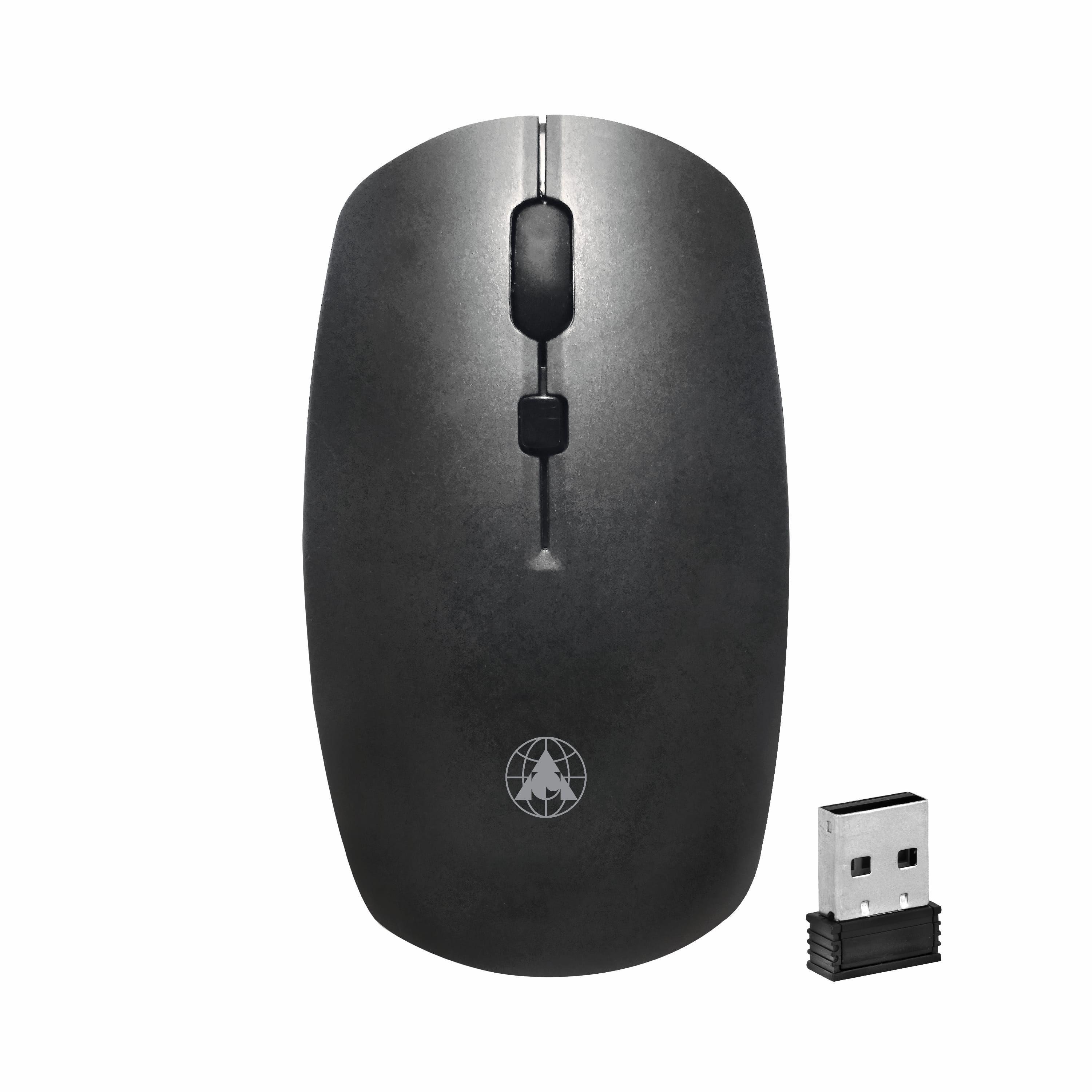
Best Wireless Mouse For Laptop
With technology getting constantly upgraded, wireless computer accessories are what people are looking for these days. To avoid the inconvenience and limitations of wired accessories, we all are rapidly switching to wireless devices.
Select From A Wide Range: Best wireless mouse in India
At ProDot, we provide you with an extensive range of wi wireless mice that suit your needs and requirements. With more than 20 different models of different specifications and usage, we provide you premium quality wireless mice that are comfortable, durable and economical.
If you are looking for the best wireless mouse for laptop online, then ProDot is the ideal solution for your requirements. Each and every wireless mouse at ProDot comes with an authentic warranty of 2 years.
Features We Offer:
Searching for the best wireless mouse in India that provides the maximum value for money? You have landed at the right platform!
ProdDot best wireless mouse for laptop -
- Made from ABS quality plastic that increases the strength and durability of the device
- 1200 DPI for accuracy and precise movement
- Incorporates optical navigation technology for accurate movement
- Wireless device for hassle free working
- Seamless wireless connectivity with 2.4GHz Connectivity upto 10m range
- Exceptionally comfortable with grip and finger rest
- 5 million click life
- Offered in different colour and size variants
These are the basic features that make ProDot wireless mouse the best wireless mouse in India.
Offering Quality Product At The Best Price:
Apart from providing our clients with a wide range of high quality wireless mice, we make sure that the product is available to retailers as well as end consumers at the best possible price. Our entire range is manufactured entirely in India without making any compromises in the quality offered. Regular quality checks and use of high quality raw material makes us an ideal fit for your requirement of the best wireless mouse for laptop online or offline.
Shop for the best wireless mouse for laptop online & offline
With our services and products available PAN India, we provide our clients and customers with the ease and convenience to shop for the best wireless mouse in India at both digital and local platforms. You can find our products at any of your local area dealer shops at the most economical price.
About ProDot:
We are one of the leading IT product manufacturers providing high quality Make in India products. With our aim to become the first choice for every household and industry for their IT products and solution requirements, we provide the entire range of printer cartridges, keyboards and mice, refiling aids, electronic safety goods and other peripherals at the most economical prices. Being a trusted and reliable name in the industry, we work dedicatedly to provide the best to our clients and consumers in every aspect possible. We have made our products accessible and available on both online and offline platforms. So if you are looking for the best wireless mouse in India, ProDot is the best platform that delivers value for money for its products.
Frequently Asked Questions
Our website has MRP of all the products manufactured or marketed by us.
ProDot products are available at about 10,000 retail outlets spread across India through our 700 distributors. However, to know your nearest shop you can either call at 011-47564756 (100 lines) or post an enquiry at our site or at info@prodotgroup.com.
Simple, either by filling the form on our website in Contact-Us section or by mailing your inquiry at info@prodotgroup.com or may even call us at 011-47564756 (100 lines) giving necessary and relevant details of your present business, location, experience, contact nos., Email-id market potential, financial status & reasons of association with “ProDot”. An official would then speak to you to assess your proposal to decide on the same.
All “ProDot” products are warranted for any manufacturing defect found under normal specified use. You can register your complaint in the complaint form provided in our website as per category of complaint product or you may go to our nearest Office/ C&F Agent/ Depot with the defective product or even can call our CRM (Customer Relationship Manager) at 011-47564756 with the necessary details as required in the form. We would promptly revert and action would be taken to resolve your complaint.
At ProDot we make compatible cartridges of all type of
printers viz. DMP, Inkjet and Laserjet of almost all popular printers sold by HP, Samsung, Canon, Wipro, Epson, TVSE, etc. sold in India and our website contains their compatibility information. You can check for this information in following 3 ways, viz.:
a) By Calling: Just call our Customer Relationship Manager (CRM) at 011-47564756 with details of make and model your printer or cartridge make and model (OEM). Our CRM would inform about the right suitable ProDot Cartridge for your printer.
b) Our Website: Just type make and model of your printer in the search box in the home page of our website.
c) On Packaging: ProDot cartridge packaging box has the information of the printer models it is compatible with.
Refilling of cartridge refers to reusing an old/used cartridge when it exhausts ink/toner inside it then filling fresh ink/toner into that old/used cartridge either manually or by machines after thorough cleaning and removing the residual ink/toner, if any. They are also known as “Remanufactured Cartridges”.
A cartridge is generally due for replacing or refilling when printouts become lighter, unclear or missing.
OEM (Original Equipment Manufacturer) Cartridges refers to the cartridges which are manufactured and marketed by printer manufacturer viz. HP, Samsung, Canon, Epson, etc. in their brand.
Compatible Cartridges are cartridges manufactured & marketed by a company (other than OEM, say ProDot) to suit & work on the printers made by other companies HP, Samsung, Canon, Epson, etc.
Remanufactured- Some manufacturers collect used (empty) cartridges, clean and refill and market them as remanufactured cartridges in their own brand. Remanufacturing of toner cartridges may also require replacement of some worn out components, viz. blades, OPC drums, PCRs etc.
It is interesting to remark that in order to save money SOME OEMs also use old components (PROCURED FROM USED CARTRIDGES) TO MAKE their NEW Cartridges.
Yes. ProDot cartridges ensure for a page yield at par with OEMs and sometimes they deliver even better since we try to put even more ink/ toner in our manufactured cartridges.
In NO way! The MAGNUSON – MOSS Warranty Act (enacted by USA Congress in 1975) has made it ILLEGAL for OEMs to force their customers (tied selling) to exclusively use their cartridges as a precondition of warranty. Even some leading OEMs have mentioned in their website that use of remanufactured or refilled cartridges would not affect their printer’s warranty. However any damage caused to any part of printer due to bad quality of refilled or remanufactured cartridge would not be covered in printer’s warranty.
Cartridges are good enough to be refilled 5-7 times or even more, but re-refill-ability and print quality from a refilled cartridge depends on quality of refill material (ink/toner), refilling procedure, handling, storage, condition of cartridge & printer even usage condition has some impact. Refilling is done all across the world. By refilling your ink and laser cartridges you not only save money but also preserve environment.
Following table gives an idea of savings in percentage, here prices for OEM cartridge and refilling are taken from market and prices of ProDot cartridges are MRPs.
An inkjet cartridge is good enough to be easily refilled 5-7 times or even more, but re-refill-ability and print quality from a refilled cartridge depends not only on quality of ink/toner put in cartridge but also on handling, refilling procedure, storage & usage conditions. Same applies to laser cartridges but refilling it many times may require replacing some worn-out components like OPC drum, Chip, PCR, blades, etc.
Cartridges are mainly made of plastics & take approx 2.5 – 5.0 ounces of oil to manufacture. Each refill is thereby reduces landfill waste significantly. Also it takes upto 500 years for the plastic to fully degenerate into landfill so saving on dumping wastes, pollution & most importantly costs too.
ProDot checks and adjusts cartridges to appropriate torque and tension to give minimum load on printer’s motor plus oil based ink of ribbon lubricates the pins of printer-head simultaneously at the time of printing.
- ProDot uses fabric of proper width, thickness, gauge and twist as per printer’s specifications to give clear and sharp impressions.
- ProDot uses oil based, self spreading and fade resistant inks for consistent print quality and longer life.
- ProDot makes joints by internationally approved ultrasonic welding machines to give extra smooth and strong joints.
- All this plus a lot more makes ProDot ribbons not only better from other ribbons but best in its class. It is only the ProDot ribbons which print 4.5 lac character per meter.
N:- Nylon 66 Fabric absorbs more ink to print more.
C:- Corrosion free, oil based lubricating inks to give extra life to printer head.
U:- Ultrasonic joints which are smooth and strong.
Density of fabric is number of threads per square inch (reed and pick) and in ribbons normal or high is density of white/uninked ribbon (or fabric). Since DMPs come in two print-head pin options i.e. 9 pin and 24 pin, difference in them is printing quality. 9 pin printers capable of printing normal print quality requires normal density fabric whereas 24 pin printers capable of printing fine print quality requires high density fabric.
Fold or twist enables the printer to print from both the sides (top & bottom) of the narrow strip of inked fabric (i.e. ribbon). And direction of fold (CW-Clock-Wise or ACW-Anti-Clock-Wise) depends on printer cartridge model.
Firstly, make sure you are replacing it with Right compatible cartridge suitable for your printer model. May refer to printer manual or cartridge packaging or ProDot website.
Then take the new cartridge out of its packing, remove its protective plastic clip or poly bag (in which it is packed). Gently remove its transparent tape that protects its print-head and insert it into printer’s slot carefully taking care not to touch/damage its copper circuit in any way. A click sound will confirm it having been placed properly & ready for print. It is good practice to follow installation guidelines as given in printer manual.
Normally moisture is not observed to play much role in inkjet printing, importantly, environment should be free from dirt/dust and both printer & cartridge should be stored away from direct heat to avoiding drying up of ink & cause clogging etc. The printing should be regular & proper avoiding long breaks etc.
Print-head of an ink cartridge has very fine holes (approx. 45 microns in diameter, which is less than half the thickness of a human hair around 100-125 microns), so require very fine inks. ProDot inks are made in very strict QC environment they are checked for appropriate pH, viscosity, surface tension and color etc. plus they pass through compatibility tests with the cartridge. So ProDot inks increase re-refill-ability of a cartridge and reduce print-head cleaning by the printer, enhancing life of both. However, we suggest to use model-wise inks to refill your ink cartridges.
No, firstly because all the colors printed from a color cartridge are generated by mixing of basic 4 colors (CMYK) e.g. Green is printed by mixing Cyan and Yellow, so if yellow is exhausted then whenever we’ll print green we’ll get only cyan (blue).
Secondly, when one color is exhausted and you continue to use the cartridge with the remaining colors, it may cause the nozzle dry up or damage, and this will cause abnormal or uneven printing due to not mixing of all the 3 colors or poor spray.
From technical point of view in ink cartridges 2 labels are very important viz.:
a) Seals or print head protectors, which are important to be removed at the time of installing a new/refilled cartridge, plus generally seals carry information such as remove or pull or seal, for user to understand and act accordingly.
b) Air-pressure balancing stickers, which must not be removed as their removal may disturb the air pressure inside the ink chamber which may change flow of ink or ink discharge from print head while printing. This changed (over or under) flow would certainly effect on print quality accordingly. If required to remove (for refilling) then re-paste it properly at exactly the same place with the same pasting strength.
Most papers have only one side designed for printing- usually the shinier side, you may have loaded the wrong side facing up. If you loaded paper correctly, try using a different paper setting (uncoated paper absorbs more ink than coated/glossy papers). If you are using a lightweight and standard paper then switch to lower quality setting in the printer’s driver (under ‘Preferences’ tab), or turn off options that use more ink.
It is often that in inkjet printing you get white lines or missing or cut text (horizontally) the possible reason is some nozzles are clogged. To understand it more just clean (with a dry tissue) and inspect print-head of an ink cartridge, you will find so many holes (called nozzles) in it. To know how much clogged is print-head, form some 4-6 impressions by pressing cartridge from print-head on tissue paper. Uniform impressions indicate that print-head (nozzles) is open whereas non-uniform or missing impressions indicate that print-head (nozzles) is clogged.
Print-head of your cartridge seems to be clogged, for minor clogging run print-head-cleaning, nozzle-check and nozzle-align utilities in printer’s driver to clean, check and align nozzles of your ink cartridge. Take test print to confirm cleaning, on requirement may repeat cleaning session. Confirm clogging manually (as explained in above question) and if problem persists you need to clean print-head by creating ‘-ve air pressure’ (explained in Troubleshooting:- Inkjet FAQs).
Since apart from ink cartridge there are other factors also responsible for print quality from an inkjet printer they are condition of printer, quality of media (paper), usage conditions, etc.. And best way to verify ink cartridge being defective is take same printout from same printer on same media by another okay cartridge. So, if you get okay prints keeping all other parameters constant and replacing ink cartridge only then it means that ink cartridge is really defective.
First ensure the new cartridge is compatible with your printer. It can be done from printer’s manual/ProDot website or from packing box.
Then take out the used (empty) cartridge from printer carefully observing its slots & how it was positioned. Remove the plastic or aluminum seal (if any) from the new cartridge by pulling it straight. Discard the seal & insert the Cartridge after gently shaking (to spread the toner inside it uniformly). Installation instructions are also embedded on body of the cartridge and / or underneath the printer cover. It is always good practice to follow installation guidelines as given in printer manual.
Yes, to some extent as humidity in air coming in contact with toner powder causes formation of undesired pustules or tiny little balls on the surface of drums which may cause moist smudging in printouts-which disappears after operating printer for sometime say printing 10-15 pages (due to heating). It is advisable to wipe the OPC drum with a dry and clean tissue paper gently.
Note- Printing is best when done at room temperature in a clean & dust free environment.
Laser toner cartridges being delicate should be kept in polythene bag and be kept away from heat, dust & moisture in a cupboard etc, at room temperature. OPC drum (generally metallic green/blue color) of a toner cartridge is a delicate part, always ensure for a safe and gentle storage and handling, avoid touching it with hands, may be cleaned or wiped with a clean and dry tissue.
No, they don’t cause any harm to printers as ProDot cartridges are adjusted for appropriate torque and tension for smooth movement and to give minimum load on printer’s motor. In addition to this at ProDot we have applied PMS (Perfect Matching System), as per this before manufacturing all the parts of a cartridge are checked for a perfect matching and compatibility.
Laser printer being a delicate machinery requires very tiny and fine grade toner particles. Just imagine, diameter of toner powder particles ranges between 8-10 microns, which is around 1/12 of thickness of a human hair (about 100-125 microns). ProDot toner powder is made in strict QC environment and is checked to have appropriate and accurate charge, darkness, background, fusing & melting temperature, pH, etc. plus they pass through compatibility tests on different cartridges. Hence ProDot toner delivers quality printouts without causing any abrasion on OPC drum and other parts of printer increasing re-refill-ability of a cartridge, thus enhancing life of both.
Toner cartridges contain toner powder as ink. Toner particles are very small in size, their diameter is 8-10 microns only. They can come out from very small openings like pinholes not closed /sealed properly during refilling.
Just wipe the cartridge with some cloth, gently shake it to ensure there is no big leakage and install into your printer. (proper installation of a cartridge is explained in another question).
In case you get a poor printout just don’t means that the cartridge is defective as there are other factors also responsible for it they are condition of printer, quality of media (paper), usage conditions, etc. And best way to verify that a laser cartridge is really defective is take same printout from same printer on same media at the same time by some other (okay) cartridge. So, if you get okay prints by some other cartridge keeping all other parameters constant then it would mean that your cartridge is really defective.
AC Adaptor is a device which converts AC power (normal domestic power) into DC power for devices which operate on it like cell phones, laptop adaptors etc. and it’s basic functions are:
a) It scales down Voltage from 220 volts to 6 to 18 volts as per requirement using a small transformer.
b) Then adaptor coverts AC voltage into DC using a setup called rectifier. Rectifier uses combination of diodes, one-way electronic components to make constant DC power.
While purchasing an adaptor ensure that it matches exact output (voltage & current) and pin-size as required by your laptop. Both these specifications you can have from your old adaptor or laptop manufacturer’s website. In adaptor specifications voltage is shown as V (Volts) current as A (Ampere) and pin-size in mm as OD x ID x L (Outer Dia x Inner Dia x Length) also you can match the pin from your old adaptor.
ProDot AC adaptors not only supply accurate voltage and current to laptop but also have extra safety features to protect your laptop, like:
Safety features:
- OCP:- Over Current Protection
- OVP:- Over Voltage Protection
- SCP:- Short Circuit Protection
Other features:
- Shell/body made of polycarbonate
- Low ripple
- Low interference
- Strong and durable ABS plastic body
- Spill resistant design allows liquids (caused due to accidental spills) to drain-out through holes in body
- longer click life - 10 million
- 1.5 meter long cable made of 100% copper
Unplug the device from computer, remove batteries (if wireless model), invert the keyboard and tap gently to remove the stuck dirt/dust with in keys (if any), wipe the device with a soft lint-free cloth, if required may slightly wet the cloth but plug the dry device only. Clean the lens of mouse (on the back) using ear-bud/cotton gently.
Surface of mouse-pad is the best answer to this question. It should be plain, smooth but not glossy, soft but not puffy, matte, non-transparent, non-reflective etc. Actually, when we move a mouse the computer registers the changes in surface thru LED & lens. So, on glossy (glass) and reflective (mirror) surfaces, mouse is not able to register surface changes properly hence do not work properly.
DPI (Dots Per Inch) in a mouse is a measure of sensitivity, higher DPI means smoother and more accurate pointer movement thru mouse, which is normally required by designers. In general the mouse with higher DPI has an adjustable switch.
Yes, they are compatible.
No, just plug and play.
Mouse setting needs to be changed as: Select mouse (icon) in control-panel, go to properties, select pointer, adjust speed or motion as per requirement.
LED lens of your mouse is dusty and requiring cleaning (cleaning is explained in this section). Another reason can be surface on which you are operating the mouse is not appropriate (surface is also explained in this section).
Surface on which mouse is being operated is glossy or reflective, surface is already explained in this section.
Mouse setting needs to be changed as: Select mouse (icon) in control-panel, go to properties, select button-configuration, set primary and secondary buttons as per requirement.
Mouse setting needs to be changed as: Select mouse (icon) in control-panel, go to properties, select wheel, set number of lines or page as per requirement.
Some keys of your keyboard could be wrongly (not at it’s original place or position) fitted or your keyboard layout is set on a different language other than the one which you want to use. To set select language (icon) in control-panel, go to details, select add, set language as per requirement.
Firstly, different inkjet printers have different specifications (like DPI, resolution, speed, usage, etc.) and inkjet cartridge and inks are designed keeping in view printer specifications. This leads to change in ink specifications (like pH, viscosity, surface tension, etc.) as per printer cartridge.
Secondly, in order to discourage refilling OEMs also formulate ink/toner of different specifications for different cartridges, design cartridges in a manner which are difficult to refill as refilling greatly effects OEM cartridge business world-wide.
So, aftermarket (compatible) industry has no choice except to formulate different inks for different cartridges, keeping in view OEM ink/cartridge specifications.

D-Phone Android Latest UI New XP

Digital Lens Camera HYU-259Xl


Bluetooth Speaker Without Cable

Headphone Supersonic New Adi-25


Watch Android Latest UI New SM
D-Phone Android Latest UI New XP
Digital Lens Camera HYU-259Xl
Bluetooth Speaker Without Cable
Headphone Supersonic New Adi-25