
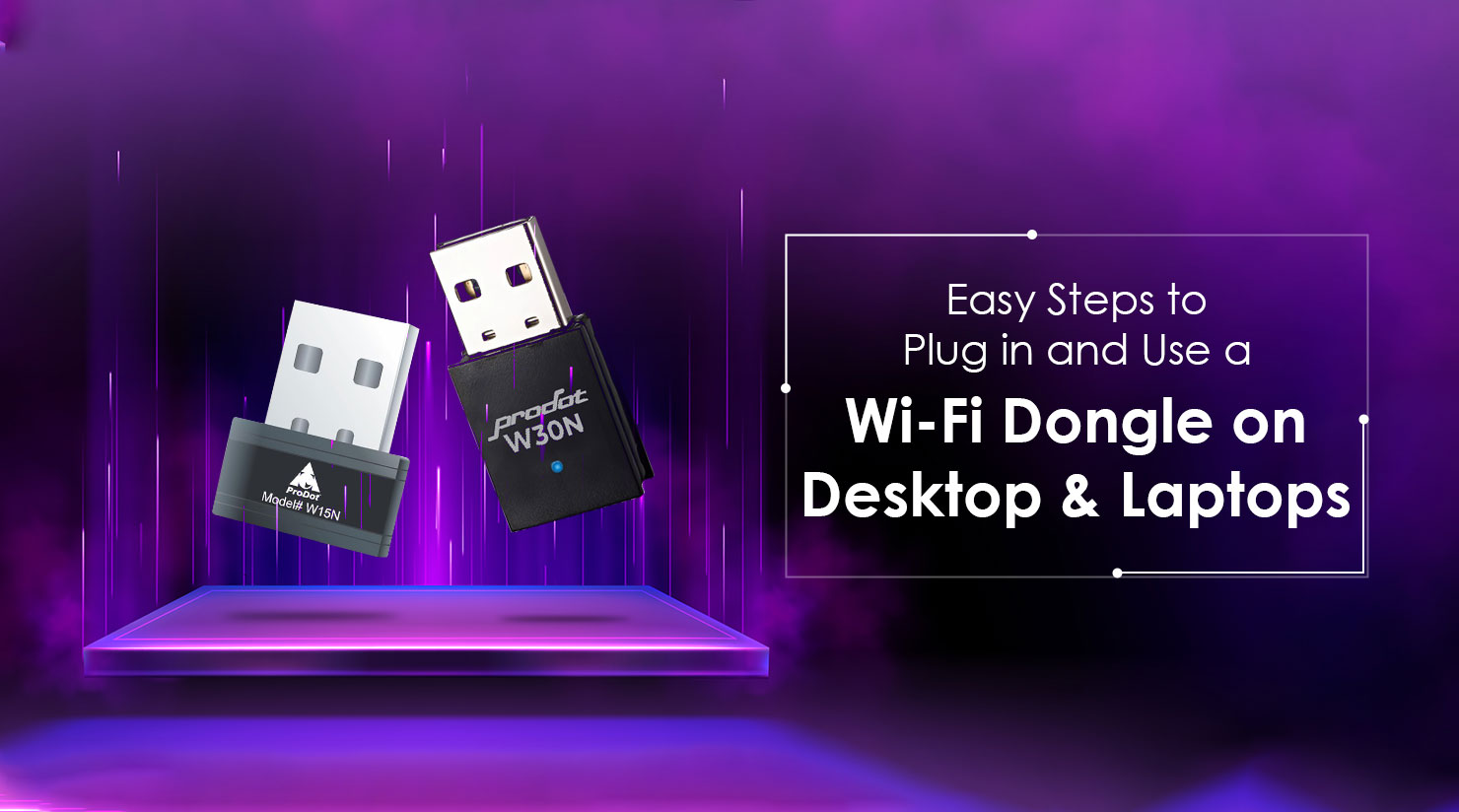
Easy Steps To Plug In And Use A Wi-fi Dongle On Desktop Laptops
The internet is not a luxury in the present globalized society and one needs to have a stable internet. Whether you are at home, attending online classes, watching TV, doing household chores, or working at the office, you can stay continuously connected and ensure that everything runs smoothly.
But what about desktops which are not installed with inbuilt Wi-Fi? Or your wireless card in the laptop all of a sudden breaks?
At Prodot, we design reliable, high-performance, made in India computer accessories for laptop and desktops that are built for real-world usage. And when it comes to effortless connectivity, a compact yet powerful Wi-Fi dongle for laptop or desktop can completely transform your internet experience.
Let’s see how easy it is to use one and why choosing the right dongle makes all the difference.
What is a Wi-Fi Dongle?
A Wi-Fi dongle is a tiny USB device which enables your computer to be connected to wireless network. It is compatible with the outside Wi-Fi receiver, that is, all you do is to plug it on a USB port, connect to a network and there you are online.
- No need to open your CPU cabinet.
- No need for complex installation.
- No need for expensive upgrades.
Just plug and connect.
Why You Might Need a Wi-Fi Dongle
A Wi-Fi dongle for desktop or laptop is useful when:
- Your desktop doesn’t support wireless connectivity.
- Your laptop’s internal Wi-Fi stops working.
- You want better and more stable connectivity.
- You are setting up a temporary workspace.
- You want a portable internet solution.
Rather than using Ethernet cables, a Wi-Fi dongle provides absolute freedom whereby you can work anywhere as long as you are within the coverage of your router.
Easy Steps to Plug in and Use a Wi-Fi Dongle
Step 1: Plug It In
Plug in your Wi-Fi dongle into a free USB port (USB 2.0 supported). In the case of desktops, you may use either the rear or the front USB ports.
Compact nano adapters like Prodot’s W30N are tiny enough to fit in the hole next door, and can leave without any inconvenience.
Step 2: Connect to Your Network
- Click the Wi-Fi icon.
- Choose your network.
- Enter your password.
- Click Connect.
You’re now online.
Experience Stable 300Mbps Connectivity
A quality Wi-Fi dongle for laptop or desktop should do more than just connect — it should deliver reliable performance.
Prodot’s Wi-Fi solutions support speeds of up to 300Mbps, ensuring:
- Smooth HD video streaming
- Stable video conferencing
- Faster downloads
- Seamless browsing
- Reduced lag during work or study
It offers powerful and reliable coverage to the homes and offices on the well-established 2.4GHz frequency band.
You can be assured of continuous connectivity whether you are in an online meeting or you are transferring any important files.
Designed for Reliability & Compatibility
In the selection of a Wi-Fi dongle in desktop, compatibility is important.
The wireless adapters produced by Prodot are compatible with some of the leading operating systems such as:
- Windows
- Linux
- Mac OS
Having two working operational modes Infrastructure and Ad-Hoc, they are flexible to various networking configurations.
The integrated antenna makes signal reception stable and optimized power consumption (5 V) makes performance efficient.
Furthermore, its compatibility with major DVR brands means that it can also be used with other devices other than laptops and desktops, as a connection solution.
Benefits of Using a Wi-Fi Dongle
1. Instant Wireless Upgrade
Install any desktop as a Wi-Fi based system without having to open the cabinet.
2. Compact Nano Design
Small in size, lightweight, and portable - can be used anywhere, permanently or on the move.
3. Fast 300Mbps Speed
Supports smooth streaming and productive work sessions.
4. Broad Compatibility
Supported in various operating systems and devices.
5. Cost-Effective Solution
Upgrading internal hardware is expensive — a Wi-Fi dongle is affordable and practical.
6. Made for Indian Users
As part of Prodot’s commitment to delivering made in India computer accessories for laptop and desktops, all the products are designed with the Indian usage conditions in mind.
Why Choose Prodot?
Quality and trust are important when purchasing a Wi-Fi dongle.
Prodot products are proudly made in India, supporting local innovation while delivering dependable performance.
Choosing Prodot means:
- Strong quality control
- Durable build
- Reliable wireless performance
- 1-year warranty support
- Affordable pricing
A made in India solution, in a market saturated with generic imports, would guarantee improvements in accountability, service and long term reliability.
Wi-Fi Dongle for Laptop vs Wi-Fi Dongle for Desktop
They are both used in the same purpose, albeit with slight variations in use:
Wi-Fi Dongle for Laptop
Perfect for:
- Replacing damaged internal Wi-Fi
- Improving older laptop connectivity
- Adding backup wireless support
Wi-Fi Dongle for Desktop
Essential for:
- PCs without built-in Wi-Fi
- Cable-free workstations
- Flexible office setups
Regardless of the device, a reliable Wi-Fi dongle makes connectivity effortless.
Stay Connected the Smart Way
Technology is expected to make your life easier not more difficult.
One of the simplest upgrades is the addition of a dongle that is a small, fast Wi-Fi device that fits on either a desktop or a laptop. This compact device delivers powerful performance with plug-and-play convenience, supports speeds up to 300 Mbps, offers reliable 2.4 GHz connectivity, and ensures broad system compatibility.
When it comes to finding a reliable, high quality, and yet Indian manufactured computer accessories to fit the laptop, Prodot has the best combination of quality, reliability, and cost effective solutions.
Stay connected. Stay productive. Choose Prodot — proudly made in India.
Frequently Asked Questions
1. What is a Wi-Fi dongle used for?
Wireless internet connectivity is made possible by a ProDot Wi-Fi dongle which can be connected to the laptop or desktop computer lacking built-in wireless internet and in need of an upgrade.
2. What speed does a Wi-Fi dongle support?
The vast majority of standard Wi-Fi dongles, even 802.11n ones, reach a maximum speed of 300Mbps based on your router, and internet plan.
3. Can I use a Wi-Fi dongle for desktop computers?
Yes, Wi-Fi dongle desktop is a very easy and efficient method to provide a wireless connection without the actual internal installation..
4. Is installation complicated?
No. The majority of Wi-Fi dongles are plug and play and do not need many setups.
5. Why choose a made in India Wi-Fi dongle?
The decision to use a made in India computer accessories in both laptops and desktops gives quality manufacturing, improved service support, and good performance that fit perfectly to the Indian users.